
Our services are used by 700+ companies
We have installed over 9,000 devices
Special solutions based on the clients’ needs
Most people are familiar with messaging apps. Metrotec’s chat interface feels familiar at first glance, with a straightforward layout that makes it immediately clear how to exchange messages. Drivers, office staff, and other employees can easily share information in the same environment they use to manage their daily work.
No need to switch between apps to check the work schedule, ask a question, or find an answer. Alongside messages, users can share photos and videos – a single photo can often explain a situation better than a lengthy phone call. For employees, this means less searching and less to remember.
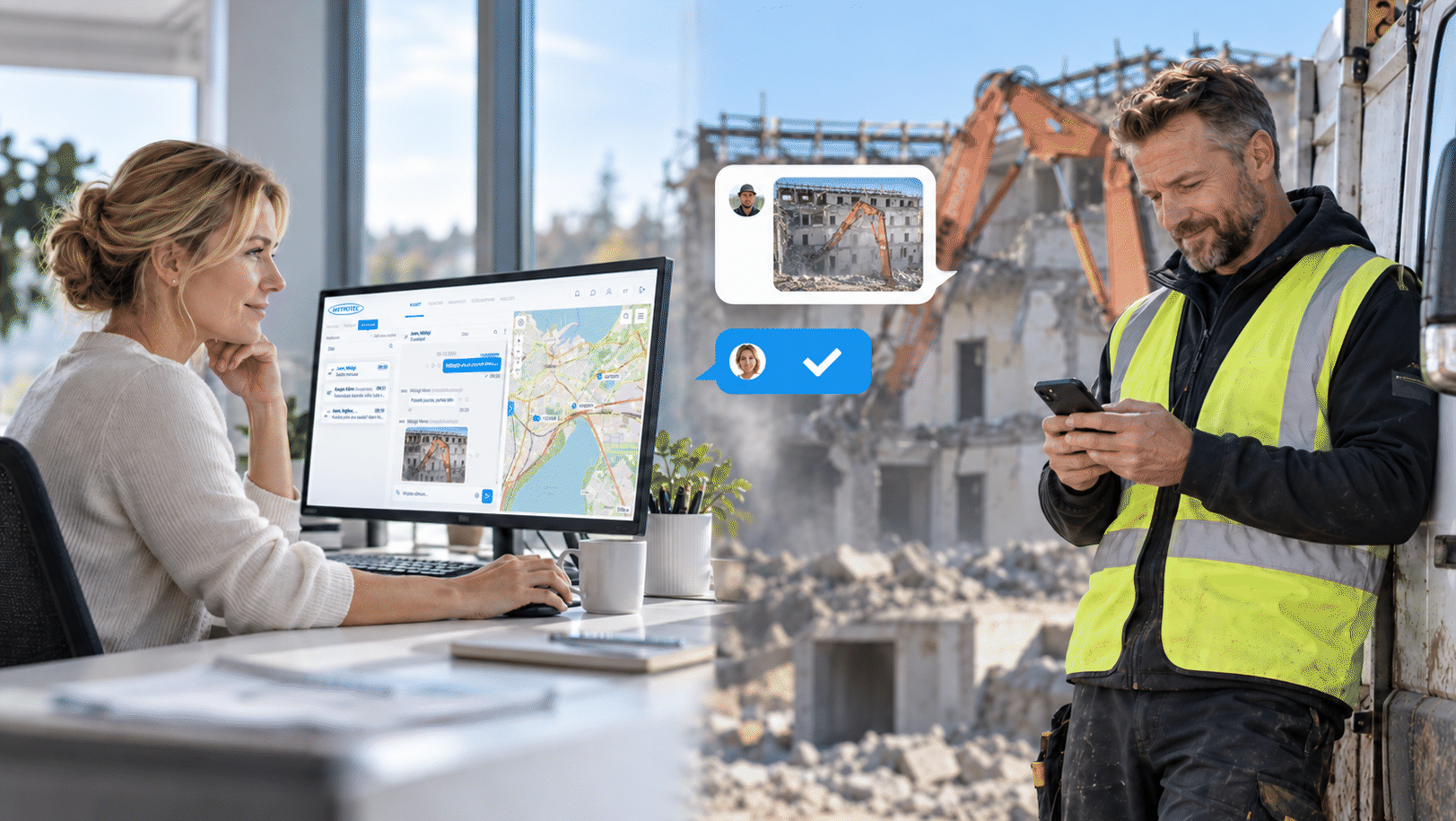
Chat is an integral part of the GPS solution: tasks, work information, and communication are all in one place, so there is no need to search across different channels to find what was agreed. It is convenient to use both on an office computer and on an employee’s phone.
Not every topic needs the same audience. Employees can discuss annual leave, an unexpected day off, or sickness absence directly with their manager. Individual chats also help clarify a particular employee’s tasks and agreed arrangements.
Group chats create a shared information space for a team, a work site or the people involved in a specific job. They can be used to share the next day’s plan, coordinate task order, and communicate changes. An answer to one person’s question also reaches others who may have the same question.
The work coordinator does not have to make several calls to communicate the same change, and employees can all work from the same information. Each group can include the people relevant to the topic, ensuring that the information reaches those who need it.
The plan shows what needs to happen. Chat helps people agree on how to make it happen in practice. The order of tasks may already be set, but once on site, it may become clear that one activity needs to wait. The team can report this and agree on the next steps in the same conversation.
Chats can be linked to tasks and the calendar. This connects communication to a specific job or scheduled time, keeping the task, schedule, and clarifications together. The context of the discussion is also preserved: which job an agreement concerned and why the plan was changed.
What time was agreed? What was clarified on site? What did the employee report? The chat history helps answer these questions.
Clear communication gives employees the confidence to work independently. They know what has been agreed about their work and can ask for clarification or report a situation whenever needed. They can read the reply at a convenient moment and return to it later.
The number of unread messages is displayed next to each chat, and a notification alerts users to every new message. This makes it easy to see which conversations contain new information.
GPS data shows where a vehicle or machine is and how it is being used. Coordinating work also requires explanations, agreements, and feedback from people. Chats add this information to the data collected about vehicles, machinery and jobs, connecting the office’s daily work with the people carrying it out.
The built-in communication channel ensures that work plans reach the people carrying out the tasks, changes reach those involved, and feedback reaches the office. Employees have essential information close at hand, while work coordinators spend less time gathering it from different channels. Together, GPS tracking, tasks, the calendar, and chats help keep work running smoothly.

In addition to standard location and fuel monitoring, it is becoming increasingly important to track the operational efficiency of different machines. By analyzing this data, production and transport processes can be improved and made more efficient, transparent, and reliable – for the company itself, its employees, and its customers.
Read more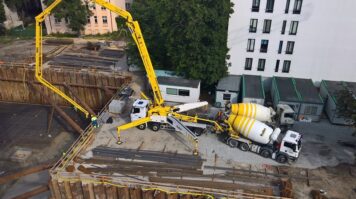
Rudus’ story began with mixers piling up at construction sites where dozens of loads were scheduled, but the customer was unable to receive the delivered concrete. The plant operates according to a fixed schedule, dispatching a new truck to the site every 10–15 minutes.
Read more
Telemetry goes beyond simply displaying measurement data. The collected information is used as input for downstream business processes. It automatically generates delivery requirements, which are then used to create work orders for the following day’s deliveries.
Read more